> For the complete documentation index, see [llms.txt](https://the-arcadia-group.gitbook.io/gosuto/llms.txt). Markdown versions of documentation pages are available by appending `.md` to page URLs; this page is available as [Markdown](https://the-arcadia-group.gitbook.io/gosuto/gosuto-app-overview/history.md).
# History
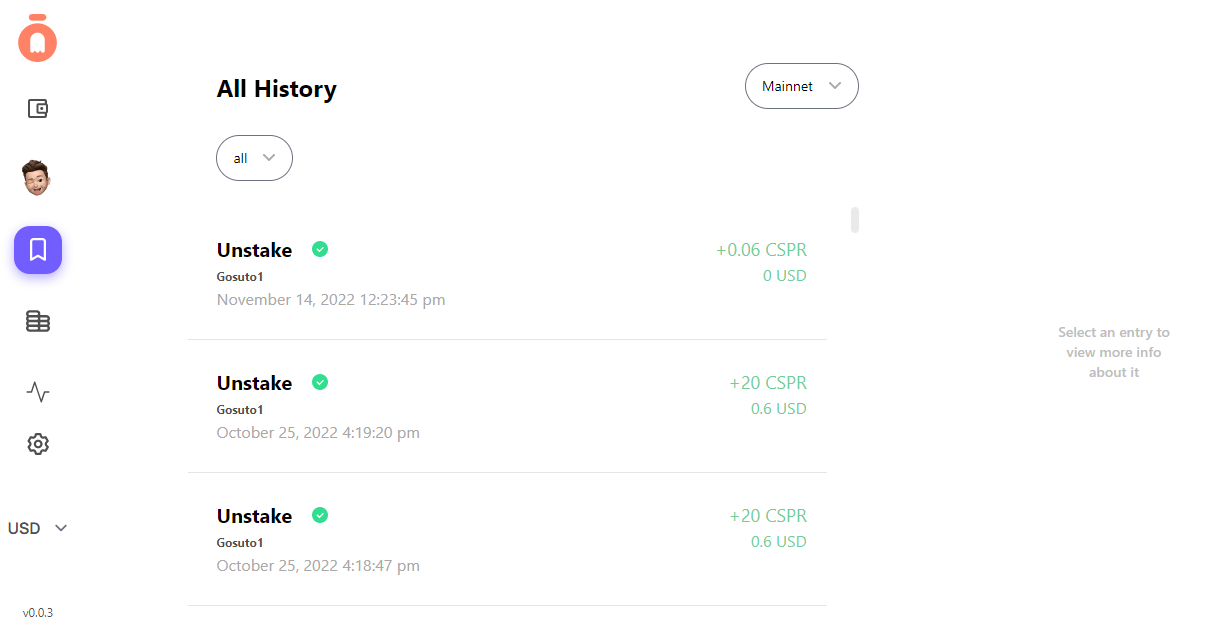
**History** shows you all of the histories of your Gosuto wallet, which includes the history of your wallet on Mainnet and Testnet.
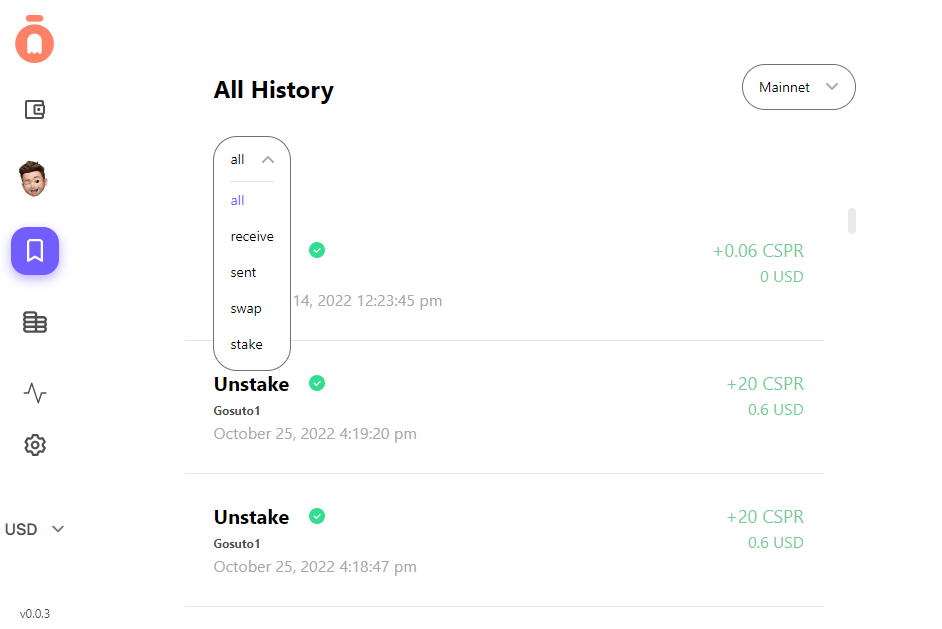
To make the search of the history of your wallet more narrow, instead of **All**, you can select:
* Receive
* Sent
* Swap
* Stake
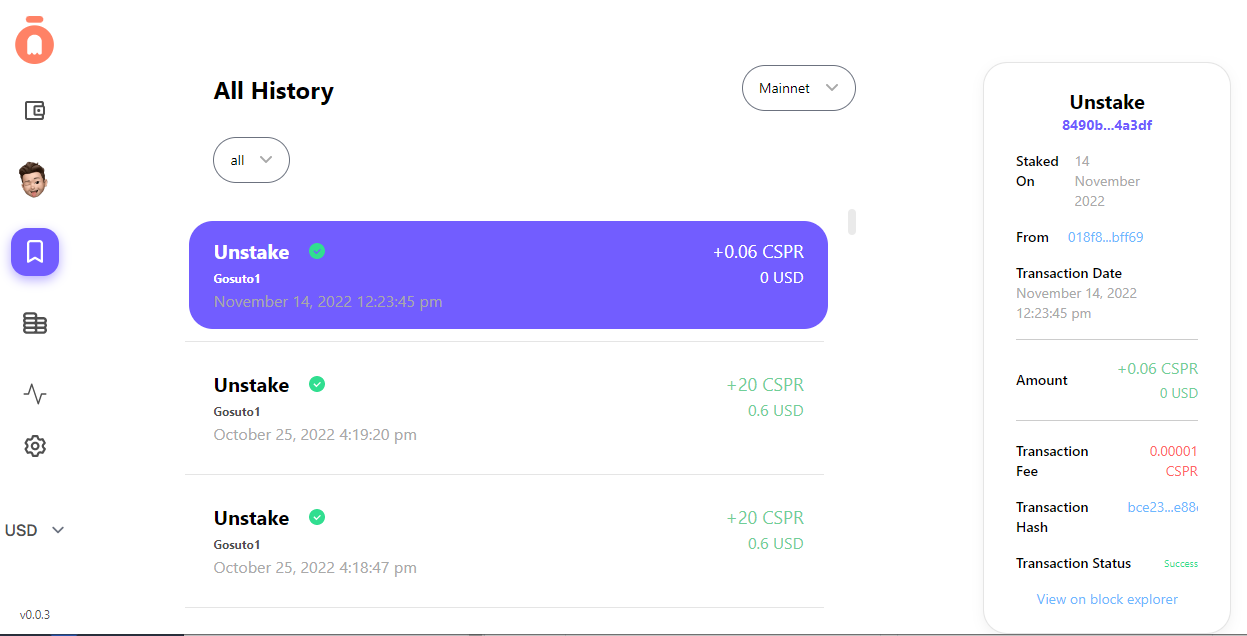
By clicking on any of the transactions, you will be able to view all of the details of the transaction on the right side.
{% hint style="info" %}
Click on **View on block explorer** for additional information.
{% endhint %}